GTA 6 Graphics and Performance Settings Explained
Mobsters DailyQuick answer: there is no performance mode in GTA 6, and no setting unlocks 60fps. Rockstar has confirmed consoles target 30 frames per second, and the pause menu has no Quality, Performance, or Balanced option. What you can change is everything around the frame rate: the Display menu's effects, HDR calibration, and your TV settings.
There is no performance mode
Start here, because this is the setting everyone hunts for and it does not exist. Rockstar's Newswire said GTA 6 is "targeting 30 frames per second", and mentioned no performance, 40fps, or 60fps mode. The PS5 Pro's extras — a sharper image through PlayStation Spectral Super Resolution (PSSR) and ray-traced shadows — switch on automatically, with no toggle. Outlets report the reason is the CPU: the Pro's processor is barely faster than the base PS5's. How each console holds 30fps is in GTA 6 PS5 vs Xbox: Performance and Graphics Modes.
What the Display menu actually controls
The pause menu's Settings tabs — Control Scheme, Controller, Gameplay, Display, UI, Camera, and Audio — hold no resolution slider and no frame rate toggle. The Display tab holds 13 settings, all about the picture you already have. HDR turns HDR output on or off, and HDR Calibration has three sliders: Max Brightness (600), Black Levels (50), and Paper White (50) by default. Safe Zone pulls the HUD inward if your TV cuts off the minimap. Then the visual effects: Motion Blur Strength (default 3), and Player Status, Hit, and Awareness Effects Intensity (default 5 each). Blood & Gore Intensity has three levels, Dismemberment is on or off, Flashbang is Bright or Dark, plus toggles for Brightness Reduction, Focus Trail Colorblind Mode, and High Contrast Shaders. Guides report there is no depth of field, film grain, chromatic aberration, or field of view setting.
The settings worth changing first
Motion blur first: 0 for the sharpest picture, 1 or 2 if camera turns look choppy at 30fps. Drop Hit Effects Intensity to 3 or 4 if gunfights flash too much. Run HDR Calibration after your console's own calibration, matching Max Brightness to your TV's peak. Outside the game, switch your TV to Game Mode and turn off motion smoothing, which only adds lag. On Xbox, 120Hz with variable refresh rate makes 30fps smoother, guides report; PlayStation's VRR only works above 48fps, so it does nothing here. Calibrated HDR keeps Vice City's neon and the Leonida Keys readable after dark.
What you cannot change
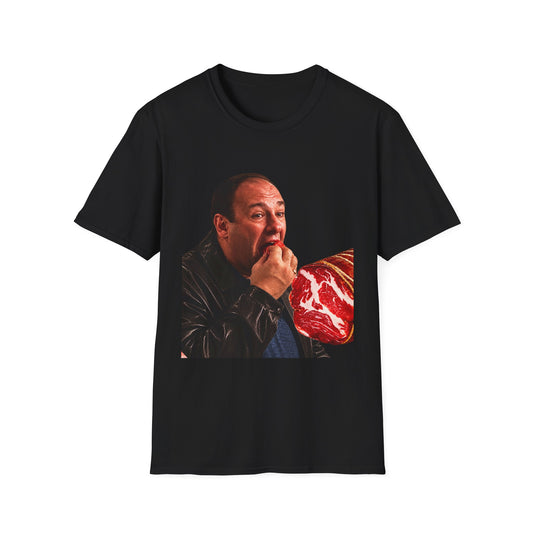
The Pro's PSSR and ray-traced shadows have no switches, and Rockstar has announced no patch adding a higher frame rate mode. One reported Xbox glitch claims to unlock the frame rate, but game speed is tied to frame rate, so everything runs too fast — a bug, not a mode. Settle in for the long haul in the GABAGOOL Shirt.
From the shop: GABAGOOL Shirt — for the settings session that turns into an all-nighter.
Keep reading
FAQ
Does GTA 6 have a performance mode? No. There is no Quality, Performance, or Balanced mode on any console. Rockstar confirmed every console targets 30fps, and the PS5 Pro is no exception — its extras are a sharper image and ray-traced shadows, not more frames.
What is the best motion blur setting in GTA 6? Set Motion Blur Strength to 0 for the sharpest picture. If camera turns look choppy at 30fps, guides recommend 1 or 2 instead. The default is 3, and changing it does not affect the frame rate either way.
Does the PS5 Pro have graphics settings the base PS5 does not? No toggles. The Pro's PSSR upscaling and ray-traced shadows switch on automatically, and there is no menu option to turn them on or off on any console.
Join the conversation
Still thinking about this one? That is exactly what The Social Club is for. It is the MobstersDaily Discord, and it is the best Sopranos community on the internet: serious Sopranos talk, meme wars, Friday movie nights, a casino, and an arcade, all run by fans who never stopped rewatching. If you want to be part of the Sopranos community, this is where it lives.